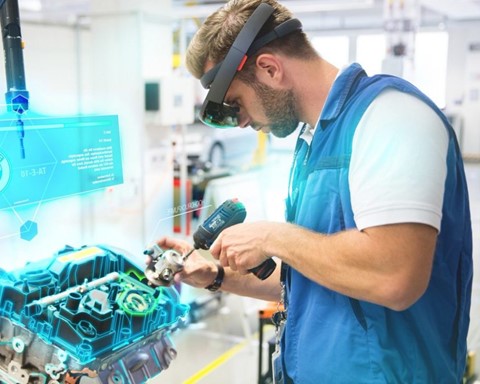
Microsoft has this week announced the addition of numerous new features and an improved UI to its Microsoft Mesh app for the company’s HoloLens mixed reality (MR) device. Microsoft Mesh was announced earlier this year to showcase how users can connect, share, and collaborate immersively even when not physically present.
According to the company, new features in the latest version of Microsoft Mesh include:
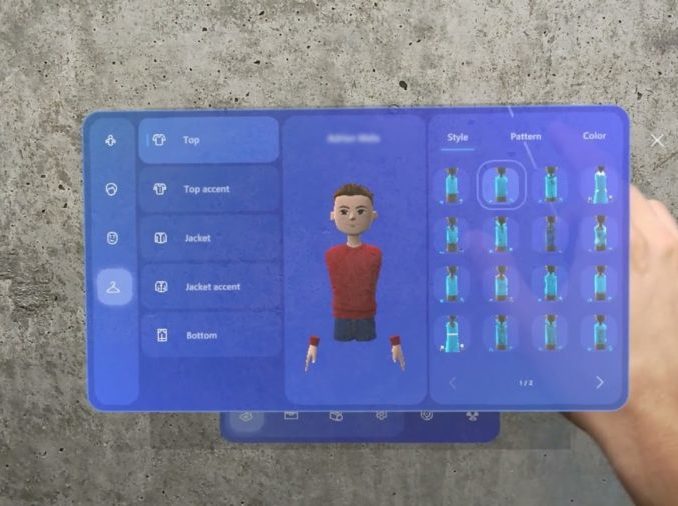
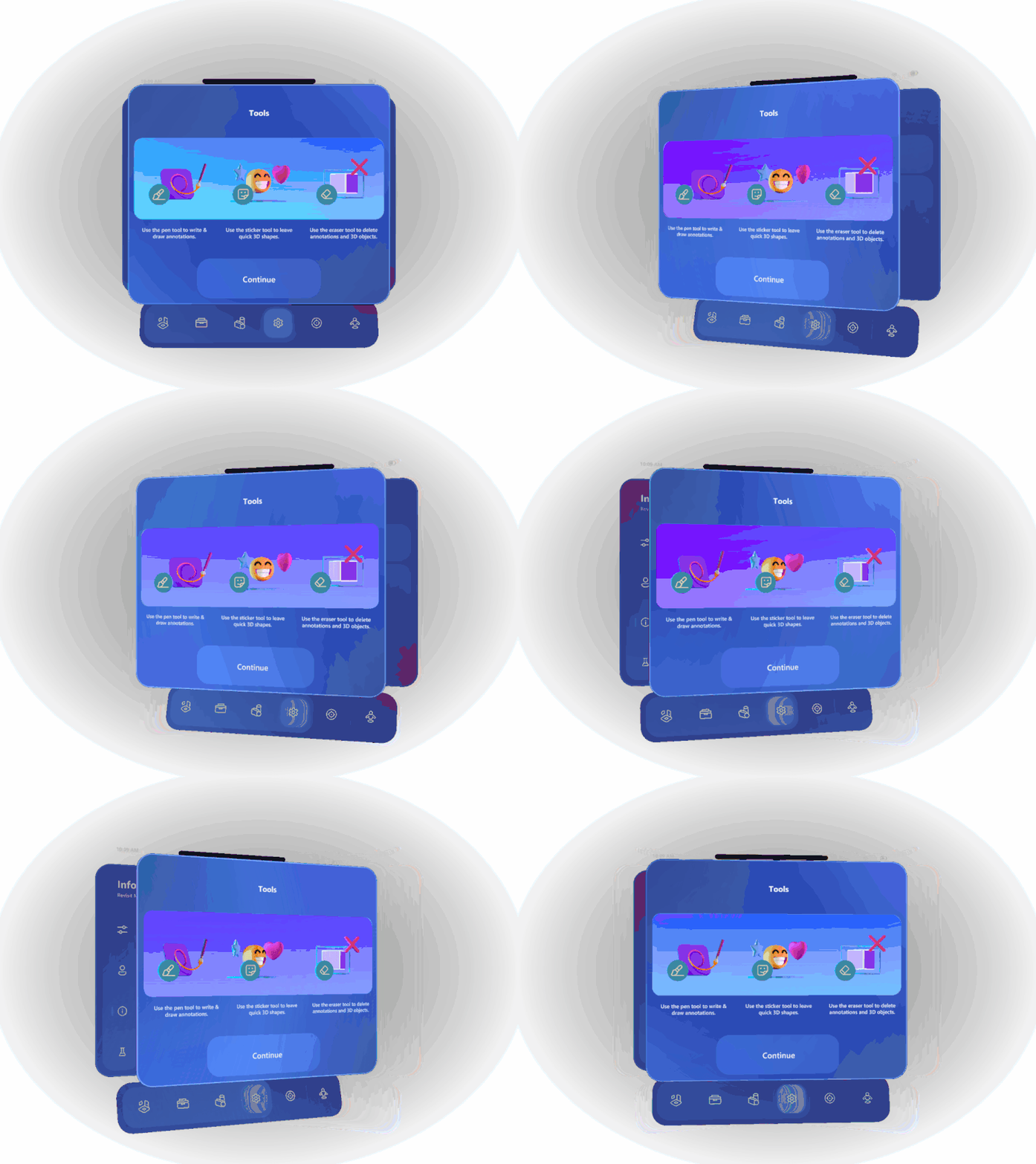
- Redesigned UI: The app’s updated look and feel includes new menus, 3D assets, icons, animations, magic windows, and more;
- Co-location: Allows users in the same physical location to be in a collaborative session with each other (without needing an avatar) alongside remote avatar participants.
- New Brushes: 40+ new unique brushes (and brush sounds) that include a wide variety of styles and effects including animations, particles, extrusions, solid patterns, and natural shapes;
- Audio Feedback: UI audio is now more consistent and responsive, with audio feedback for user interactions such as brushstrokes and joining/leaving a space;
- Eye Gaze Interaction (Experimental Feature): Allows users to use their eyes to help select holographic content and menu items. Rather than reaching out to select something with direct interaction or hand rays, users can look at the item they want to interact with, and then use the pinch gesture to select and manipulate it. This experimental feature can be enabled in Settings > Experimental > Eye Gaze Interaction;
- Sticky Notes (Experimental Feature): Voice-enabled and keyboard-enabled sticky notes have been added to assist with productivity, and are located in the stickers sub-menu of the Tools tab. Again, this experimental feature needs to be enabled to use, via Settings > Experimental > Sticky Notes.
Microsoft stated that its customers are using the Mesh App for scenarios such as industrial design reviews, floor planning, layouts of large spaces, and brainstorming sessions, with positive feedback received by the company from this early preview. Some new features such as co-location are directly addressing user feedback too.
For more information on Microsoft’s Mesh App for mixed reality collaboration and co-presence, please click here.
Quelle:
Image / video credit: Microsoft / YouTube