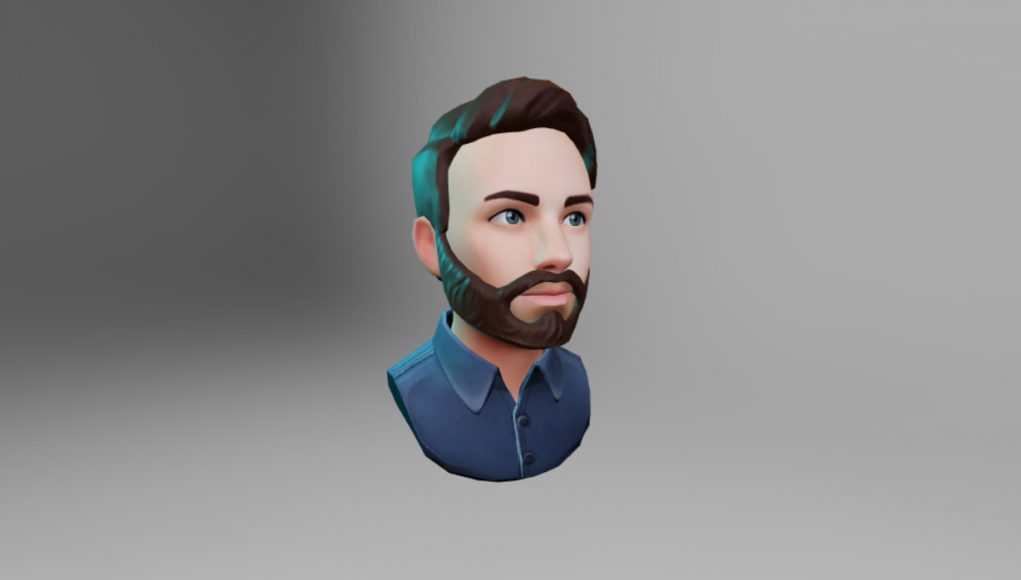
With growing usage of social virtual worlds and spaces like VRChat and Mozilla Hubs, you might be looking for a way to make your own avatar to represent yourself in VR. Here are two user-friendly avatar character creator apps for that purpose which won’t require the use of developer-level tools like Unity, Blender, etc.
Tafi Avatars (compatible with VRChat)
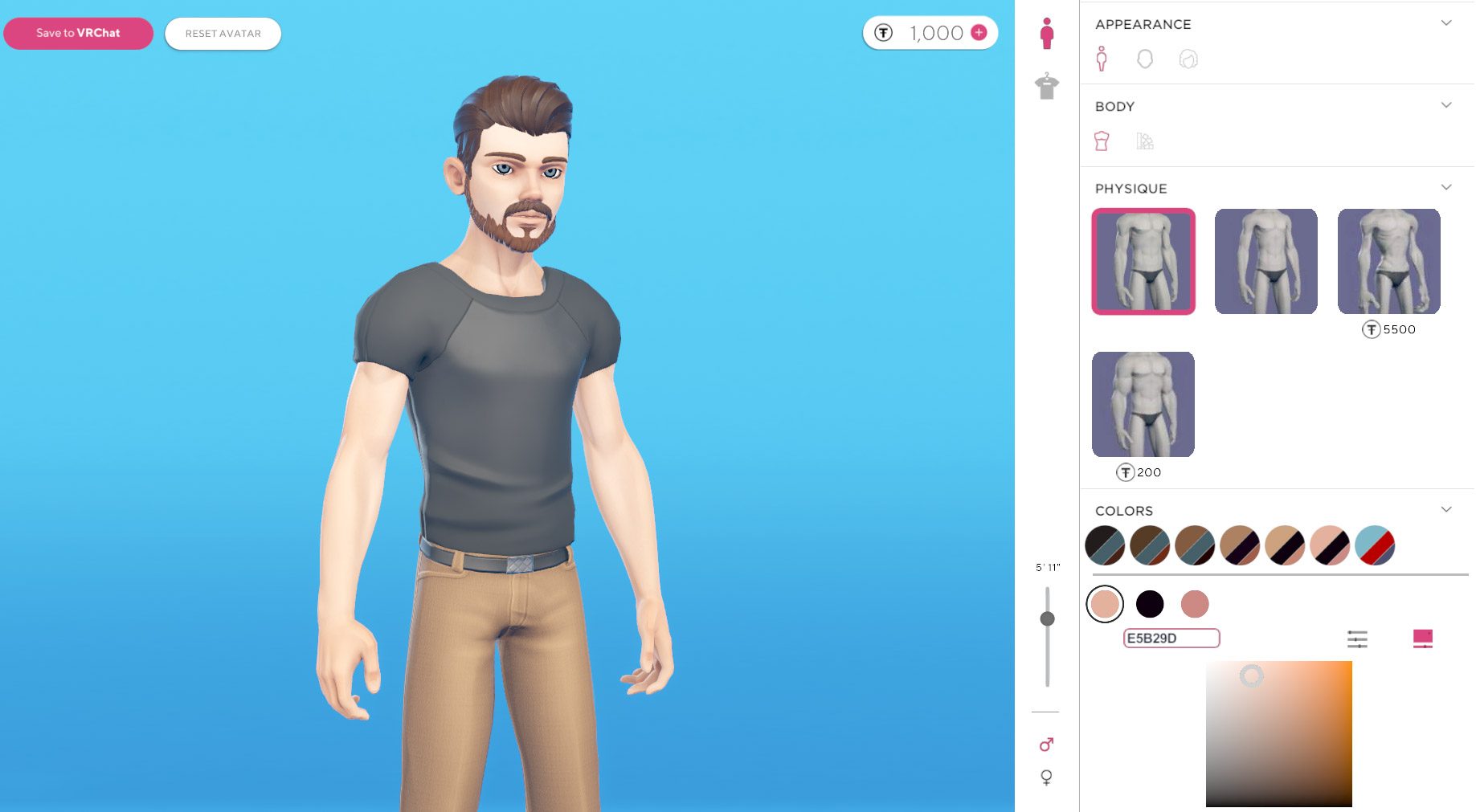 Tafi Avatars VRChat Edition is a freemium app which lets you configure and build a VRChat avatar.
With Tafi, you have control over your avatar’s body properties (like height, body shape, skin color, head shape, eye color, hairstyle, etc) as well as clothing and accessories (like shirts, pants, shoes, hats, tattoos, earrings, etc).
The app uses a ‘freemium’ model which allows you to pick from a range of free options, while many options are premium and paid with in-app currency. When you first make your Tafi account, you’ll be given 1,000 coins (enough to buy a premium hairstyle or article of clothing); if you want to buy more premium options you can purchase more starting at $2 per 1,060 coins.
When you’re done building your avatar in the Tafi creator, you can link the application to your VRChat account and then upload your newly created avatar directly to your account for use.
Tafi says that its avatars are automatically optimized to work on both the PC and Quest versions of VRChat; the avatars are also fully rigged for IK, mouth, and eye animation.
As far as we can see at this time, Tafi Avatar VRChat Edition doesn’t offer any kind of direct download or export of your avatar, which means your avatar is not currently portable or editable in other applications.
Ready Player Me (compatible with Mozilla Hubs)
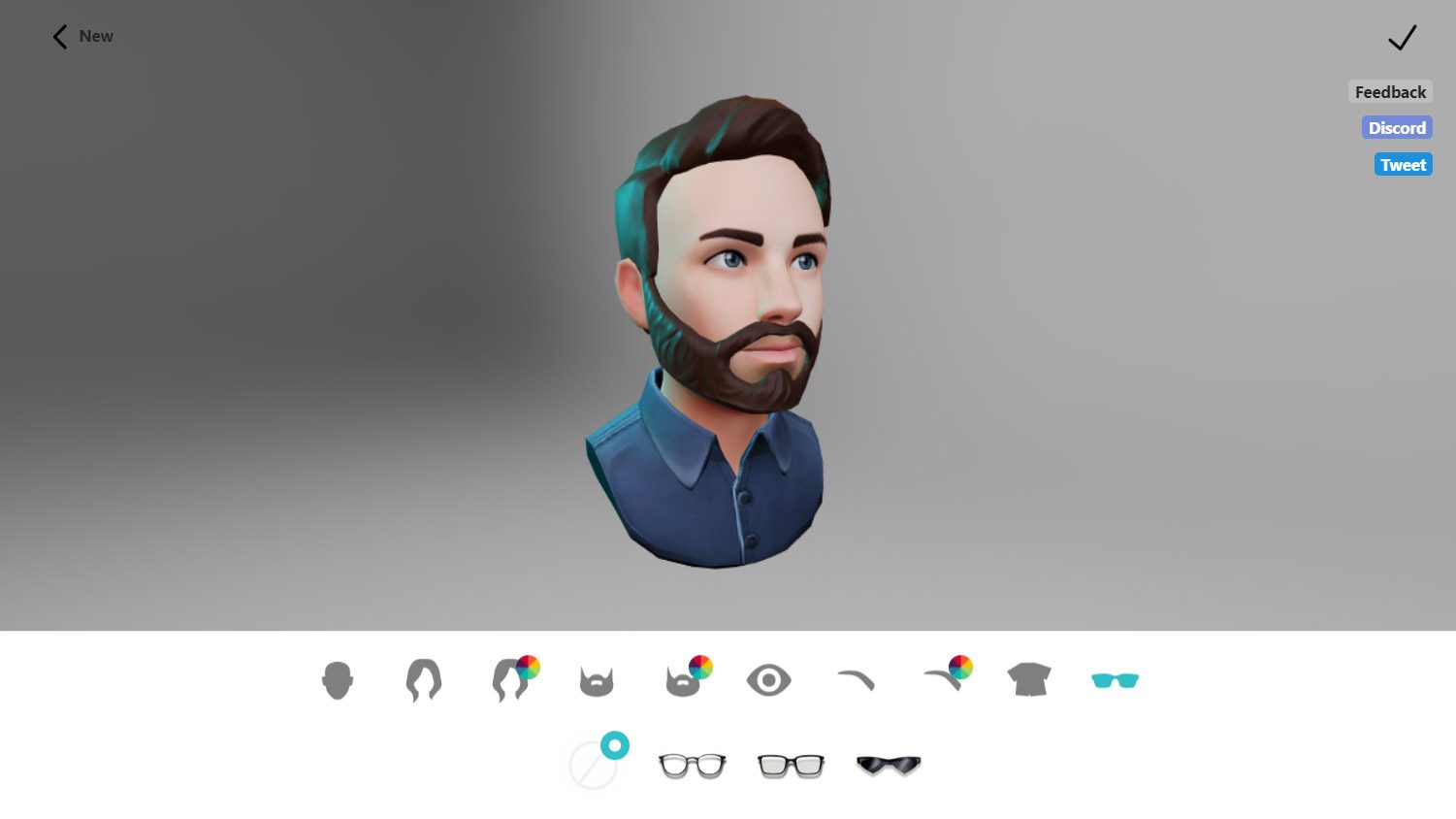 Ready Player Me is a free web-based avatar creator which allows you to make avatars which are easily imported into Mozilla Hubs or portable to other applications which support the .glb file format.
The Ready Player Me avatar creator works on both desktop and mobile devices. You’ll start by taking a selfie (or uploading a photo) which gives a rough foundation for your avatar.
From there you can define features like hair, eyebrows, eye color, glasses, and shirt. The number of options is fairly limited for now, but we hope to see them grow with time.
When you’re done making your own VR avatar, you’ll be given a link to download the model in the .glb format to do whatever you want with it. There’s also a simple set of instructions for importing your model into Mozilla Hubs, which is as easy as pasting your avatar URL into the Hubs avatar page.
Ready Player Me avatars currently only give you a head and chest, meaning they aren’t rigged for full-body IK or other animations like hand-tracking.
It’s early days for the world of VR avatar creation, and if you aren’t willing to get your hands dirty with 3D modeling and animation tools, the options for easily creating your own for use in VR remain fairly slim.
In the future we hope to see more social VR apps support external avatars so that users have more options for defining what they look like in VR, and the ability to have a persistent virtual persona across VR applications.
Source:
Two Tools to Make Your Own Avatar for Social VR Apps like ‘VRChat’ & ‘Mozilla Hubs’